

How to track your background acting gigs and pay
You worked the gig. A few weeks and several jobs later, can you still remember exactly what you were supposed to be paid?
What was the rate? How many hours did you work? Was there a car or wardrobe bump? Did the payment arrive? And if it did, was the amount right?
The easiest way to protect yourself is to keep one reliable record of every gig you work — what you were booked for, what happened on set, and what you were eventually paid.
You can build your own spreadsheet or tracking system to do this manually. Or you can use GigDock, which was built specifically to keep your background gigs and payments organized in one place.
Not sure how rates, guaranteed hours and bumps work? Read How Do Background Actors Get Paid? first. This guide builds on those basics.
Looking for your next booking? Browse Atlanta casting calls — then track the ones you book here.
Why tracking your gigs matters
Background work involves more moving pieces than many new actors expect.
One company may cast you. You may work on several different productions in the same month. Your rate might include guaranteed hours. Your final pay may include overtime or additional bumps. And the company that processes your payment may be different from the casting company that booked you.
Then time passes. You work another gig. And another.
A payment arrives — but do you remember whether you were expecting $175, $225 or $275? That is how small discrepancies and missing payments become difficult to catch.
A good tracking system replaces “I think that’s right” with “Here’s exactly what I recorded.”
What should you track for every background-acting gig?
Whether you use a spreadsheet, notes app, GigDock or another system, there are several pieces of information worth keeping for every job.
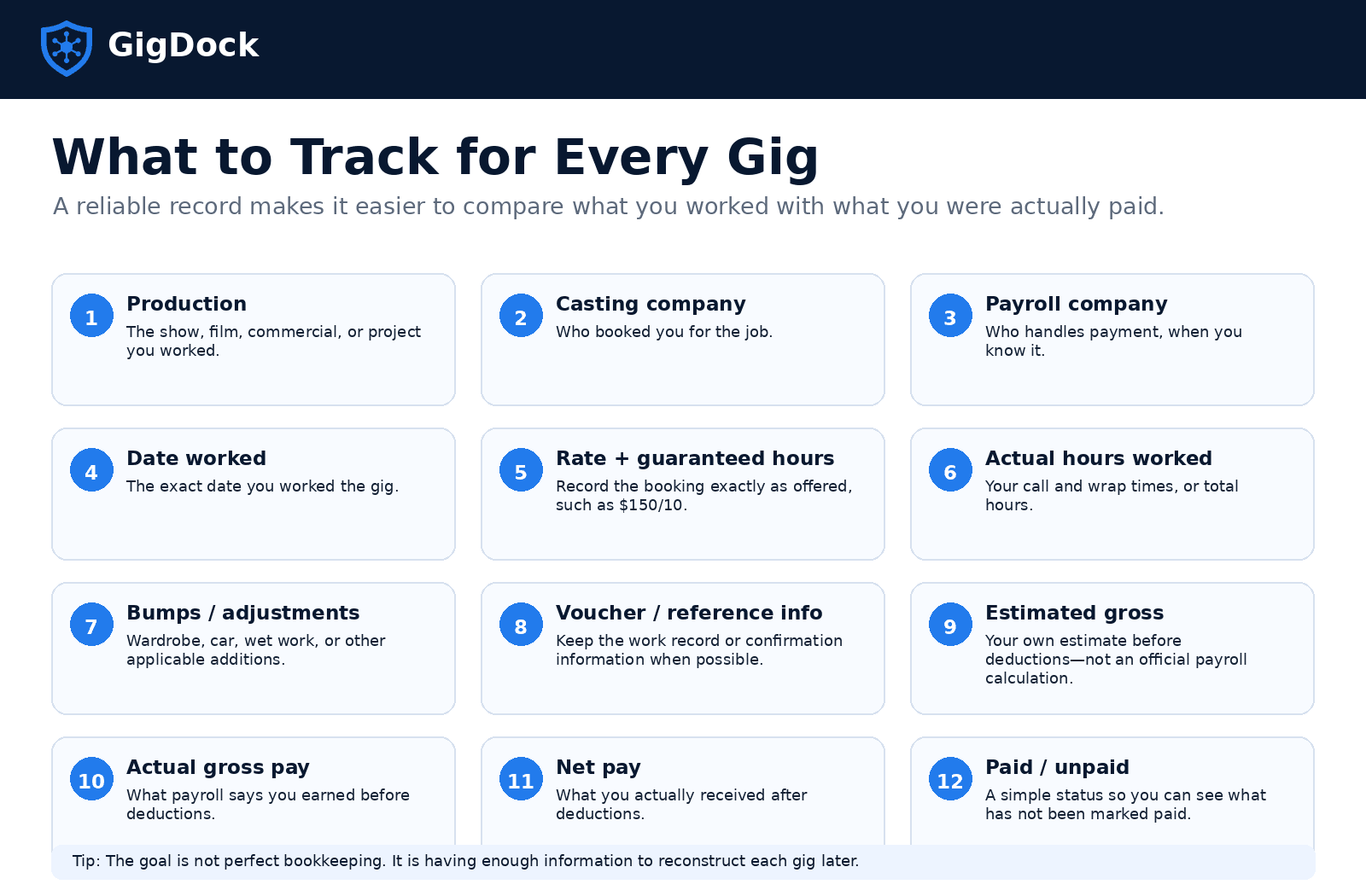
- Production — the movie, TV show, commercial or other project you worked on. If you work multiple dates on the same production, keep each workday associated with the correct gig.
- Casting company — the company that booked you. Especially helpful if you work with several casting companies at once.
- Payroll company or payment source — when you know it. The company that casts you isn’t necessarily the one that handles your paycheck.
- Date worked — an exact record of each date, especially if you return to the same production.
- Advertised rate and guaranteed hours — exactly as offered (e.g. $150/10), so you have the original booking terms even if the notice is hard to find later.
- Actual hours worked — your call and wrap times, or total hours. Beyond the hours in your booking, additional compensation may apply depending on the production and agreement.
- Bumps and other adjustments — wardrobe, personal vehicle, wet work, smoke, props, special hair/makeup, or other production-specific adjustments. Under a SAG-AFTRA agreement, make sure applicable adjustments are reflected on your voucher before leaving set whenever possible.
- Voucher or reference information — keep your voucher, electronic voucher, or confirmation number whenever you’re permitted to.
- What you expected to earn — your own estimate before deductions (base/guaranteed pay + additional hours + applicable bumps). An estimate, not an official payroll calculation.
- Actual gross pay — the amount you earned before deductions; usually the most useful number to compare with what you expected.
- Net pay — what actually reached you after deductions. Gross and net aren’t the same, so a smaller deposit doesn’t necessarily mean an error.
- Paid or unpaid — maybe the most important field of all. Once you’ve worked dozens of gigs, you shouldn’t have to remember which ones are unpaid — you should be able to see it.
Track the gig at three moments
You don’t need to spend much time maintaining your records if you update them at the right moments.
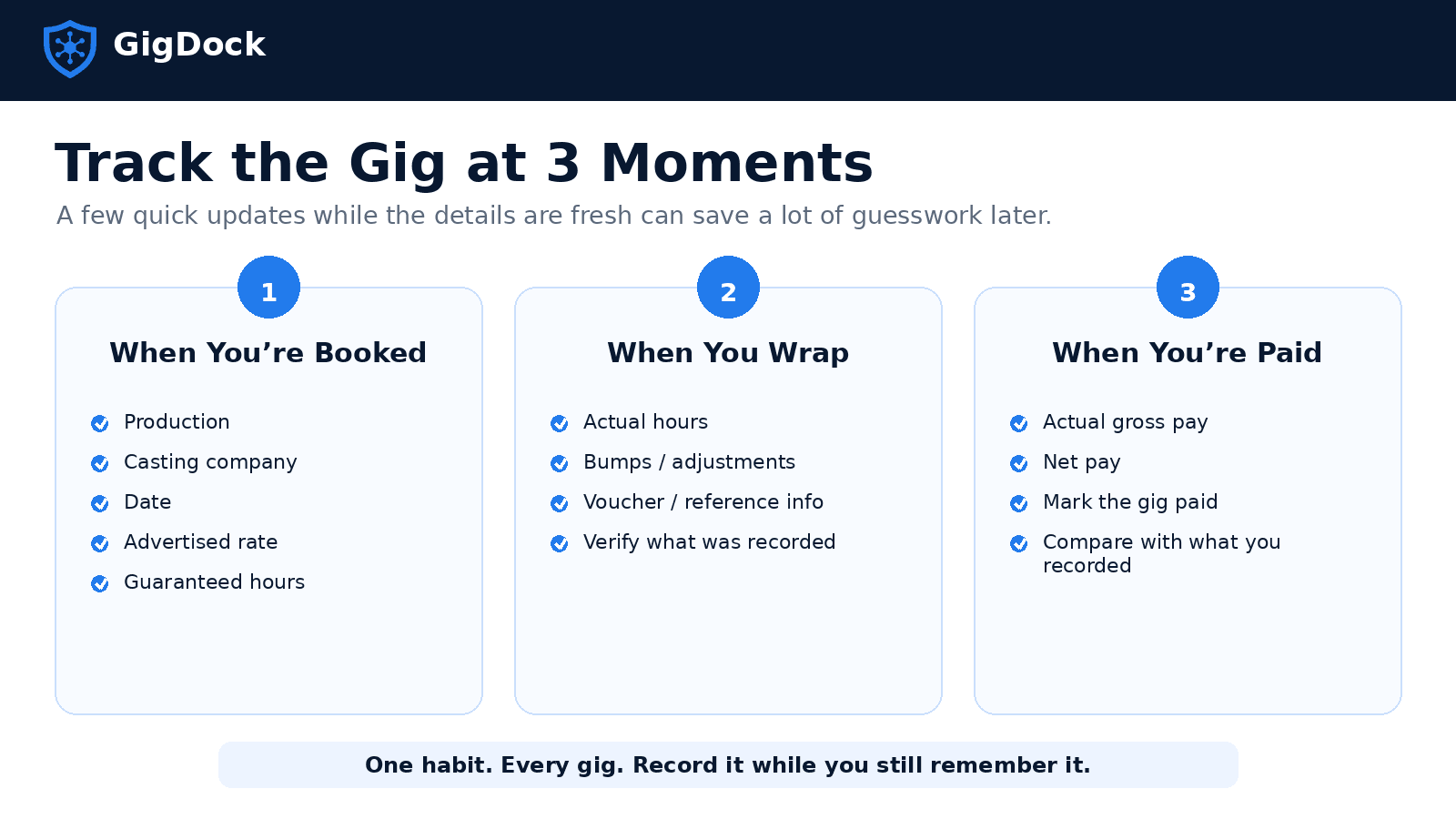
When you’re booked
Record the production, casting company, date, advertised rate and guaranteed hours — this preserves the original booking information while it’s easy to find.
When you wrap
Update your actual hours worked, applicable bumps or adjustments, and voucher or reference information. If possible, verify that the information on your work record is correct before you leave.
When you’re paid
Record the actual gross pay, net pay, payment information and paid status — then compare the payment with what you recorded. If something seems wrong, you now have a much better starting point for figuring out why.
You can build your own tracking system
You could create a spreadsheet with one row for every gig and columns for:
Production · Date · Casting Company · Rate · Hours · Bumps · Expected Pay · Actual Gross · Net Pay · Paid
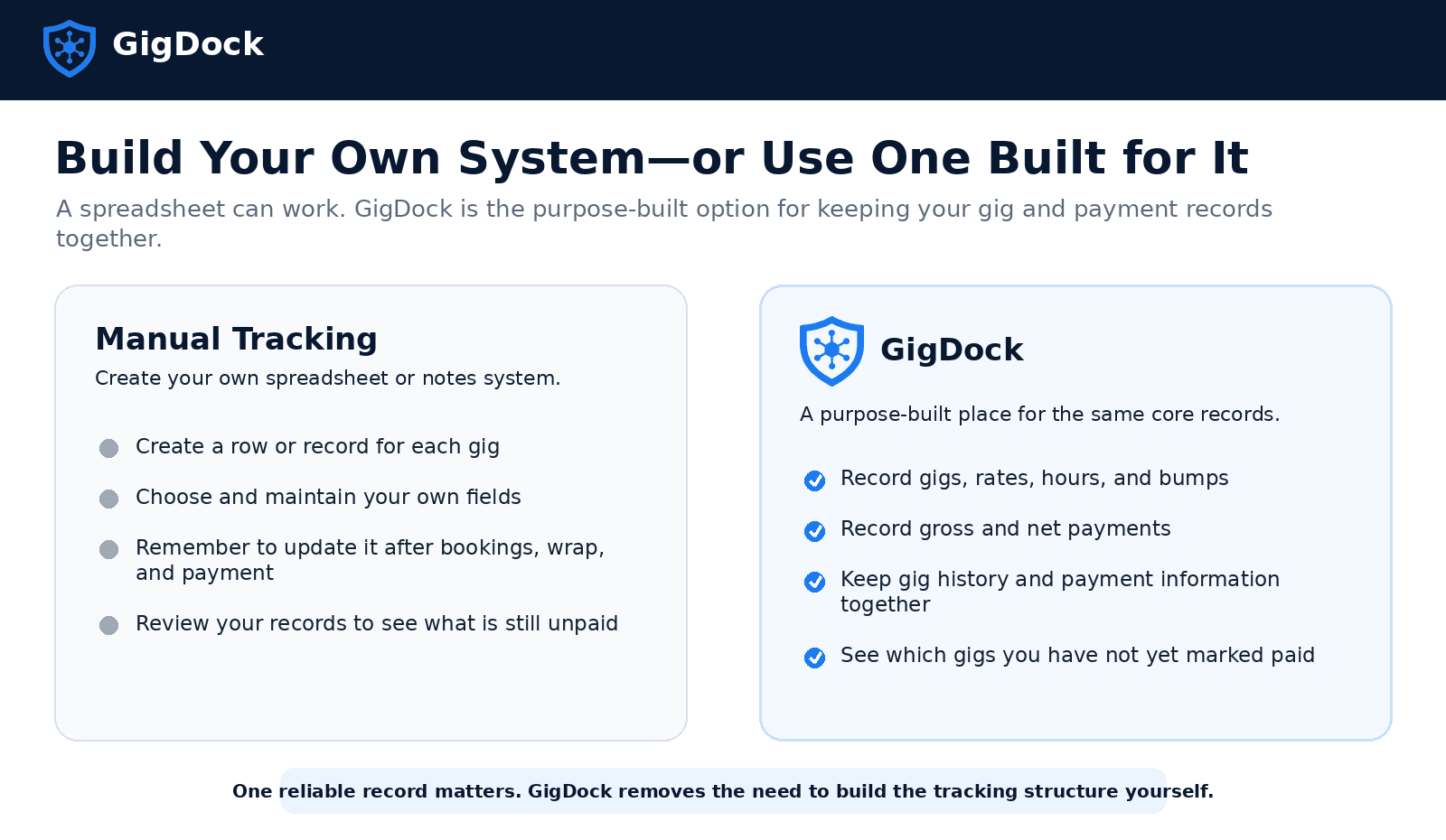
Then update that spreadsheet every time you book a job, wrap a job or receive payment. That works — but it also means you’re building and maintaining your own system, and as the number of gigs grows, so does everything you’re juggling across casting companies, productions and payments.
Or use GigDock
If you’d rather not create and maintain a spreadsheet yourself, that’s the problem GigDock was built to solve. Instead of building your own tracking system, GigDock gives people working gigs in TV & film one place to record and manage the details of their gig work:
- Gigs, rates, hours and bumps
- Gross and net payments
- Payment status
So your work history and payment information stay together rather than being scattered across casting notices, messages, notes and spreadsheets. And when you look back later, you can see which gigs you’ve recorded as paid and which you haven’t.
Tracking shouldn’t become another job
The goal isn’t to create more administrative work — it’s the opposite. You want enough recorded that you can answer a few simple questions at any time:
- What did I work?
- What was the rate?
- Were there additional bumps or hours?
- What did I ultimately get paid?
- Which gigs haven’t I marked paid yet?
If you can answer those quickly, you’re far less dependent on memory when a payment arrives weeks after the job. And if you’re doing background work regularly, that’s exactly the kind of organization GigDock is designed to provide.
Track your gigs and payments with GigDock
Keep your own spreadsheet if you like — or let the GigDock app keep your gigs, rates, hours, bumps and payments in one place. It’s in beta now, ahead of launch — join the beta to be among the first to use it.
Frequently asked questions
What's the best way to track background acting gigs?
Keep one consistent record for every gig you work. At minimum, record the production, date worked, advertised rate, actual hours, applicable bumps, payment amount and whether you've been paid. You can build your own spreadsheet or use an app designed for gig tracking — the most important thing is recording the information consistently while it's still fresh.
What should I write down after a background acting job?
Record the production, casting company, date worked, advertised rate, actual hours and applicable bumps or adjustments, and keep your voucher or reference information when possible. Once payment arrives, add the actual gross and net amounts and mark the gig paid.
Should background actors use a spreadsheet to track payments?
A spreadsheet can work well if you're comfortable creating and maintaining your own system — you'd typically need a row for every gig and columns for rates, hours, bumps, payments and payment status, kept updated after every job. A purpose-built app such as GigDock organizes those same types of gig and payment information without requiring you to build your own tracking structure.
How can I tell if a background acting payment is missing?
Keep every gig in your tracking system until you've recorded its payment. That way you don't have to remember which productions still owe you money — you can simply review the gigs you haven't yet marked paid. If a payment appears late, check the terms of the booking or applicable union agreement before following up.
Should I track gross pay or net pay?
Ideally, track both. Gross pay tells you what you earned before deductions; net pay tells you what you actually received after deductions. Keeping both makes it easier to distinguish a payroll discrepancy from normal taxes or other deductions.
Why should I keep my voucher?
Your voucher or electronic work record can contain important information about your hours and applicable adjustments. Keeping it gives you documentation to refer back to if the payment you receive doesn't match what you expected.
General information for background actors and extras, not legal, payroll or tax advice. Pay, overtime and adjustment rules vary by production, market and applicable union agreement. Always confirm the terms that apply to your particular booking.